
Listing presentation
Staging and listing photos: virtual staging, AI edits and what buyers trust.
Listing photos decide whether a buyer clicks or scrolls past — and whether they still trust you after the showing. Virtual staging and AI photo edits are cheap and fast, but used carelessly they create a gap between the screen and the front door that costs you offers. This hub separates what helps presentation from what reads as a bait-and-switch, and shows how we photograph a Bellevue or Seattle listing.

Quick answer
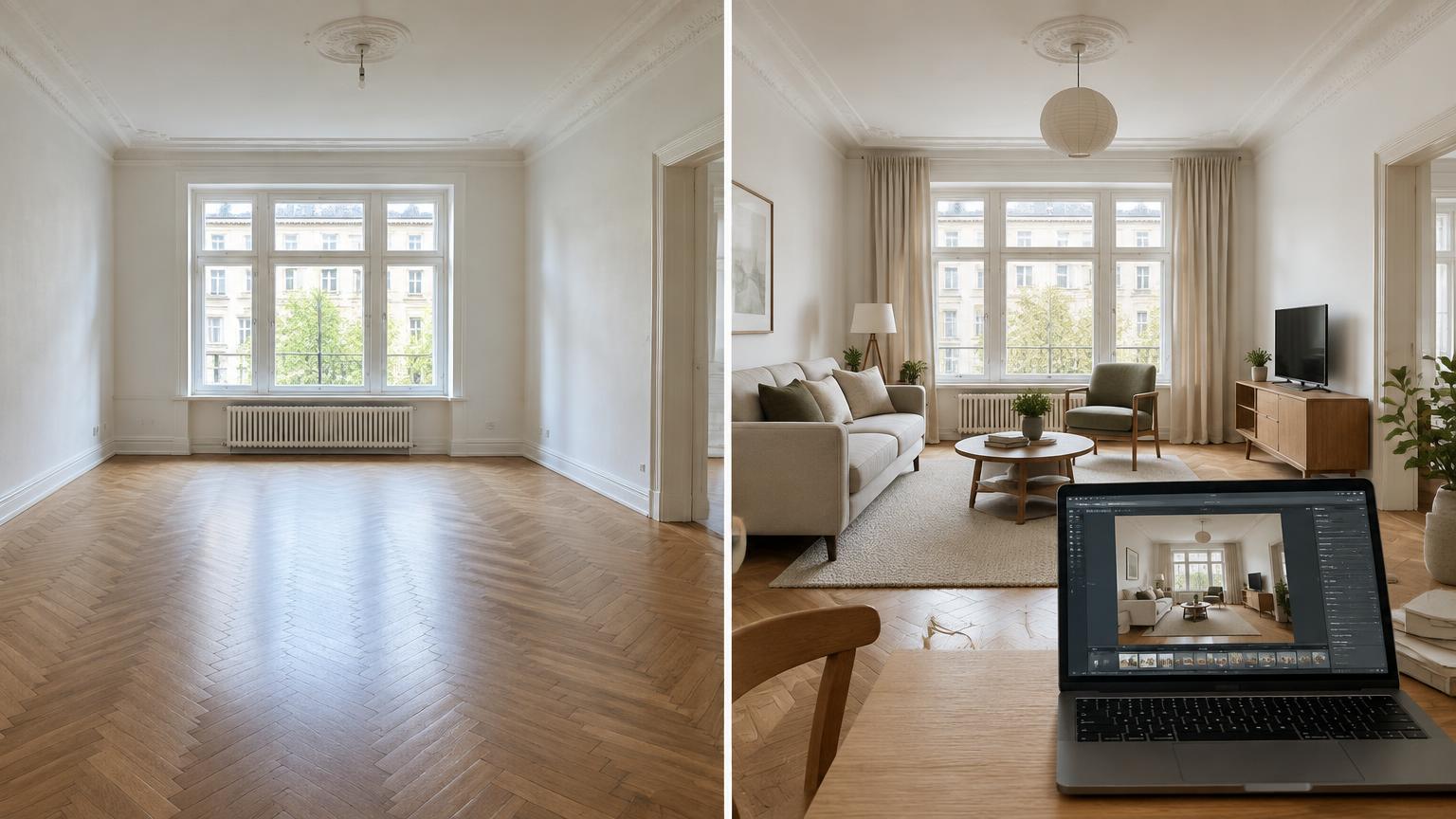
Real (physical) staging changes the house a buyer walks into; virtual staging only changes the photo. Virtual staging is reasonable for an empty room when it is clearly labeled and the room's actual condition, size and finishes are unchanged. It becomes a problem when edits remove or add permanent features — dated flooring, popcorn ceilings, a power pole in the view, a wall, a window. Washington brokers owe buyers honest disclosure, and NWMLS photo rules do not permit misrepresenting a property, so label edited images, keep an unedited set available and never edit out a defect.
2 sets
We keep edited and unedited photos of every room
Label
Every virtually staged image is marked as such
0 edits
No removal of defects, poles, walls or views
EN + 中文
Prep instructions given in both languages
Questions this hub answers
- virtual staging vs real staging
- is virtual staging worth it
- ai home staging pros and cons
- do staged homes sell faster
- listing photo disclosure rules
- how to prepare a Bellevue home for photos
How we prepare a listing's photos
- 01
1. Decide staging type before the shoot
Occupied homes usually need decluttering plus a light furniture edit. Vacant homes need either physical staging or clearly labeled virtual staging. We decide this against your price point and how the competing listings in that neighborhood are presented.
- 02
2. Fix what the camera exaggerates
Wide lenses magnify scuffs, cords, mismatched bulbs and tired caulking. A short, cheap punch list before the shoot is usually worth more than any edit afterward.
- 03
3. Shoot with a professional, not a phone
A real estate photographer brings lighting, a tripod, bracketed exposures and window pulls. That is how the photos stay honest and still look good — brightness and color correction, not fabrication.
- 04
4. Keep edits to presentation, not substance
Allowed: exposure, white balance, straightened lines, lawn color in a dormant season if disclosed, labeled virtual furniture. Not allowed: removing a defect, a utility pole, a neighboring structure, or changing a view or room size.
- 05
5. Publish photos, floor plan and video together
A floor plan and a walkthrough video answer the size and flow questions an edited photo cannot. Buyers who arrive already oriented make stronger, better-informed offers.
Virtual, AI and physical staging compared
| Approach | What it changes | Best used when | Risk to manage |
|---|---|---|---|
| Physical staging | The actual rooms | Vacant home, high price point, awkward layouts | Cost and lead time before going live |
| Virtual staging (labeled) | Only the photo | Vacant home where staging is not practical | Buyer disappointment if the room reads smaller in person |
| AI photo enhancement | Light, color, sky, clutter | Ordinary photo correction | Easy to cross into removing real features |
| AI "renovation" renders | Finishes that do not exist | Only as a clearly labeled design idea | Reads as misrepresentation if presented as the current home |
Checklist
Before your photos go live
- Staging approach chosen and scheduled before the shoot date.
- Pre-shoot punch list completed (bulbs, cords, caulk, touch-up paint).
- Every virtually staged photo labeled in the caption.
- Unedited photo set retained for the file.
- No image edits that remove or add a permanent feature.
- Floor plan and walkthrough video ready to publish with the photos.
- Known defects disclosed on Form 17 regardless of how photos look.
- Photo order reviewed so the first image matches the home's real strength.
Frequently asked questions
Is virtual staging worth it?
For a vacant room, often yes: it helps buyers read scale and function at a low cost. It is worth it only when labeled and paired with accurate photos of the real condition, because an unlabeled surprise at the showing costs more than the staging saved.
What is the difference between virtual staging and real staging?
Real staging places actual furniture in the house, so the showing matches the photos. Virtual staging adds furniture to the image only; the room a buyer walks into is still empty.
Does AI home staging hurt trust?
It can. Buyers increasingly expect edited images and check for mismatches. Enhancement of light and color is normal; removing defects or inventing finishes is what triggers distrust and, potentially, a misrepresentation claim.
Do I have to disclose that a photo was edited?
Label virtually staged or render images, and never let an edit conceal a material defect. Washington sellers separately complete the Form 17 disclosure statement, and a photo edit does not reduce that obligation.
Do staged homes sell faster on the Eastside?
Well-presented homes generally draw more showings, but price and condition still dominate the outcome. Treat staging as a way to compete at your price, not as a substitute for correct pricing.
Should I spend on staging or on repairs?
Visible repairs first in most cases. Buyers forgive sparse furniture; they discount for things they can see are broken, dated or deferred.
Go deeper
Related
What to know before selling in Bellevue
Prep, pricing and timing basics.
Related
Cost to sell a house in Seattle
Where prep and marketing dollars go.
Related
Best time to sell a house in Seattle
Seasonality and exposure.
Related
Home value estimates for Eastside sellers
Pricing before presentation.
Related
Pricing a waterfront home
When views and frontage drive photos.
Related
House not selling? What to change
If the photos are already live.
Other topic guides

Family transfers
Gift of equity and selling a home to a family member in Washington.

Title & closing
Selling a house with a lien in Bellevue and Greater Seattle.
Land value
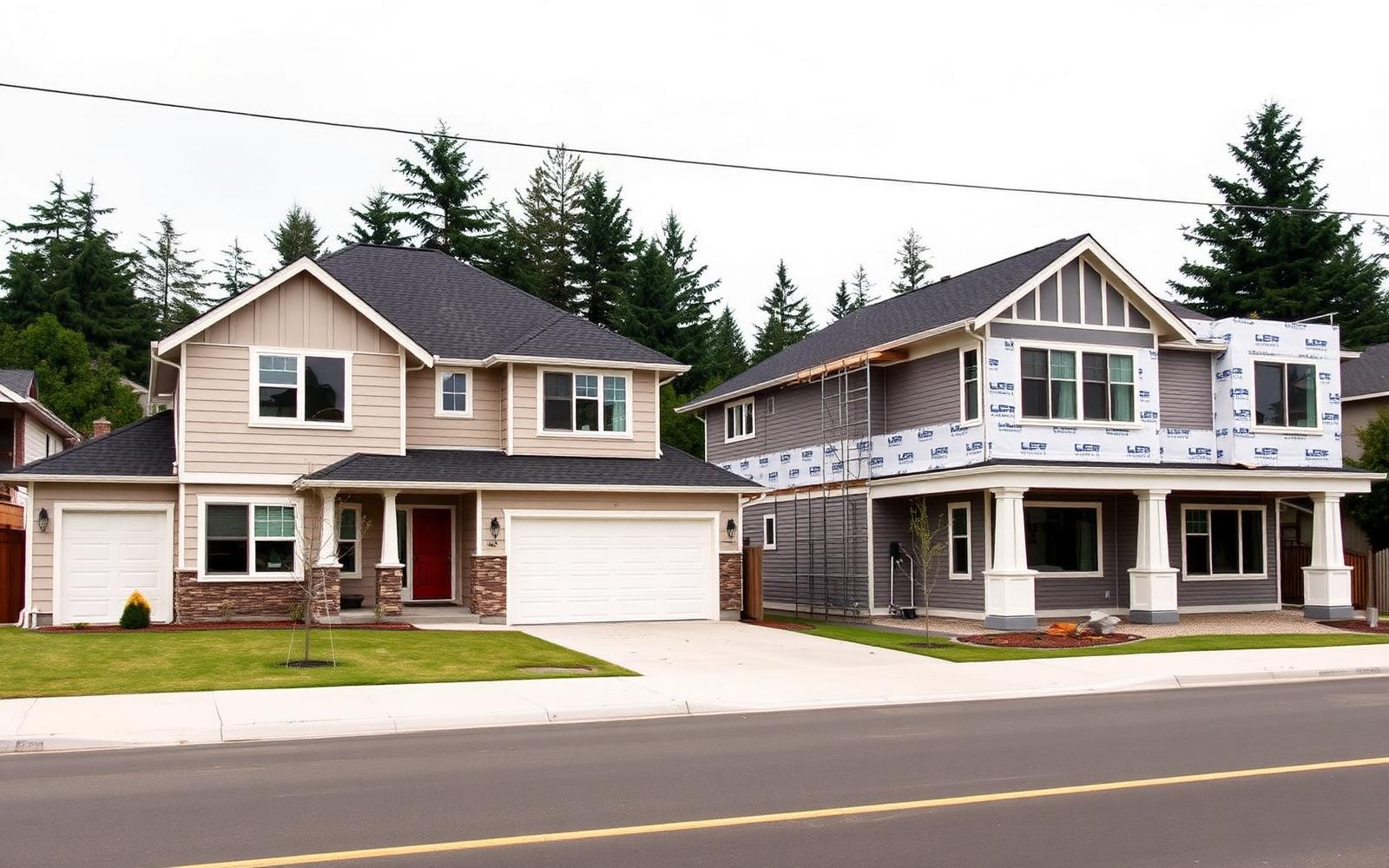
Selling an older Eastside home to a builder: land value vs. retail sale.

Visa & foreign buyers
Buying a home in Bellevue as a foreign national or visa holder.

Tech relocation
Relocating to Bellevue for a tech job: rent first or buy now.

Schools & addresses
Buying by school assignment in the Bellevue School District.

Waterfront & unique homes
How to price a waterfront or one-of-a-kind home.

Listing problems
How to cancel a listing agreement and change agents.

Building & financing
Construction loans for self-employed and small business owners.

Land & lot value
Should you split a double lot before selling it?

Water & site risk
Flood zone, creek and drainage checks before you buy.

Landlords & investors
Selling a rental property to your current tenant.

Choosing an agent
How to choose a real estate agent in Seattle and on the Eastside.

Interview & review
Questions to ask before hiring — and how to tell if your agent is doing a good job.

Fees & commission
Who pays realtor fees in Washington — and what an agent actually keeps.

First-time buyers
Buying your first home in Washington State — including without a US credit history.

Home value
How to get an accurate home value estimate in Bellevue, Redmond and West Bellevue.
Investment property
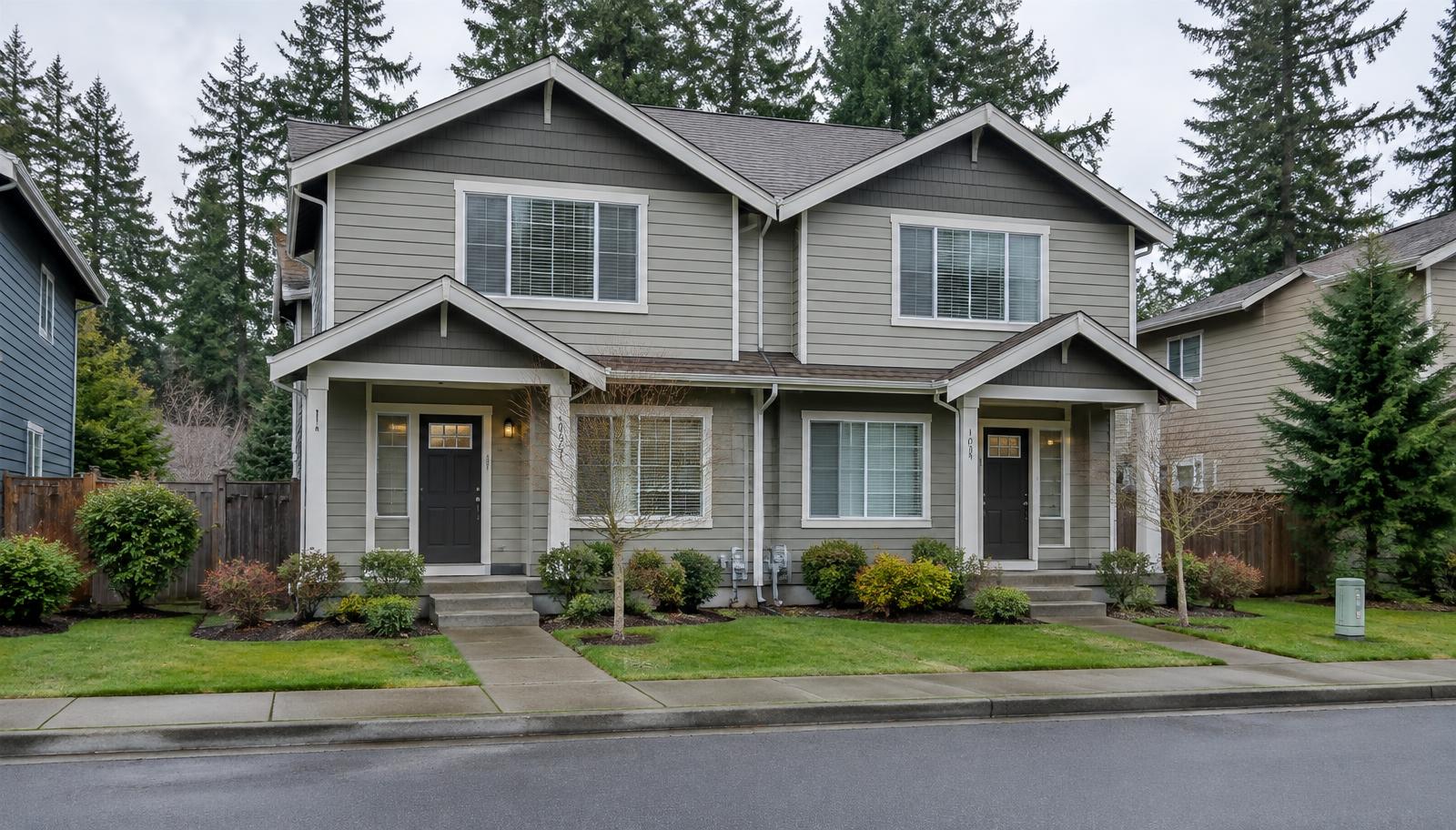
Buying an investment property on the Eastside: returns, rules and the numbers to run.
Stalled listings
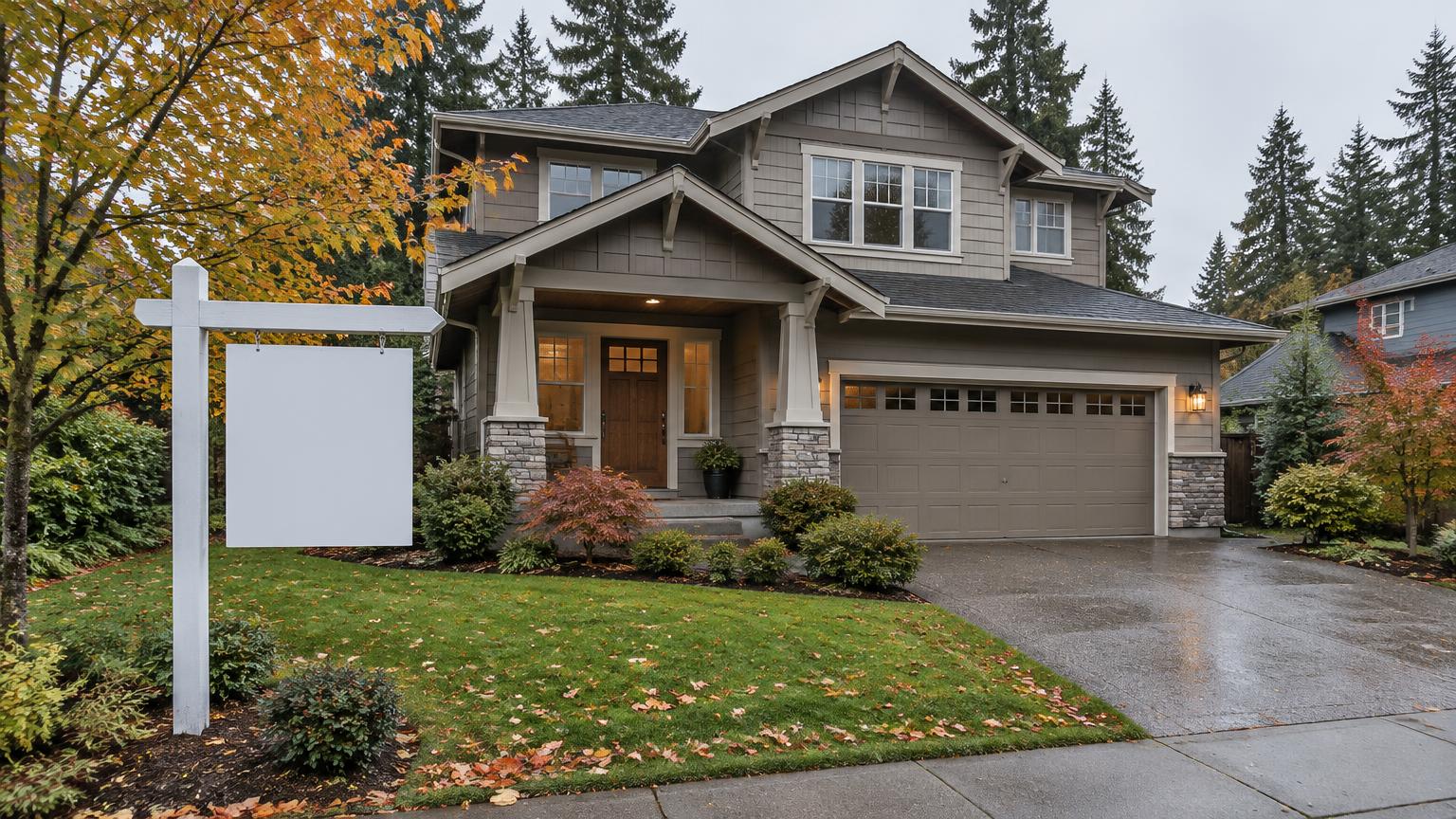
Your house is not selling: what to change, and whether to pause the listing.
Seller options
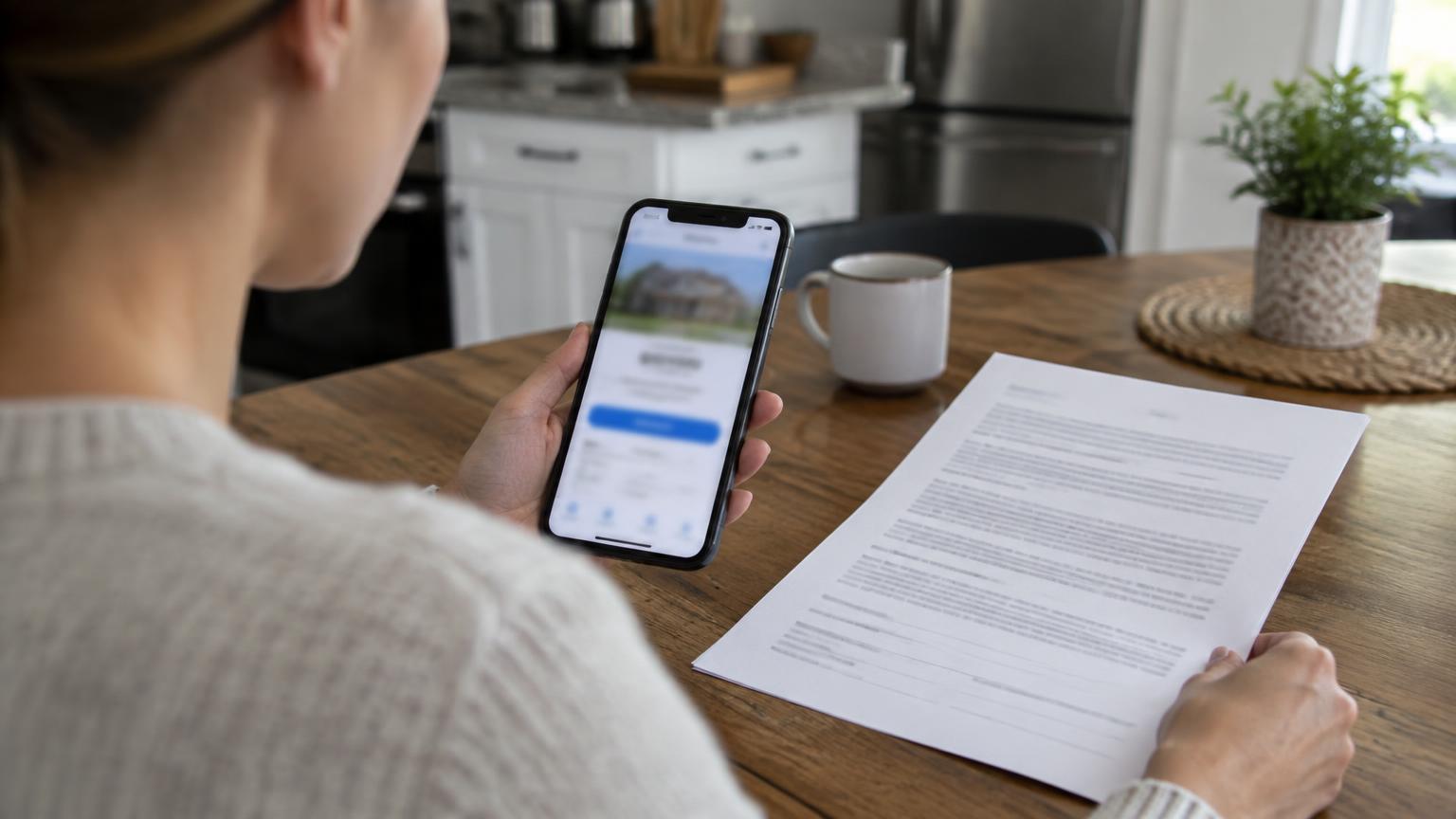
Instant cash offer vs listing your home: how to compare them properly.
Due diligence
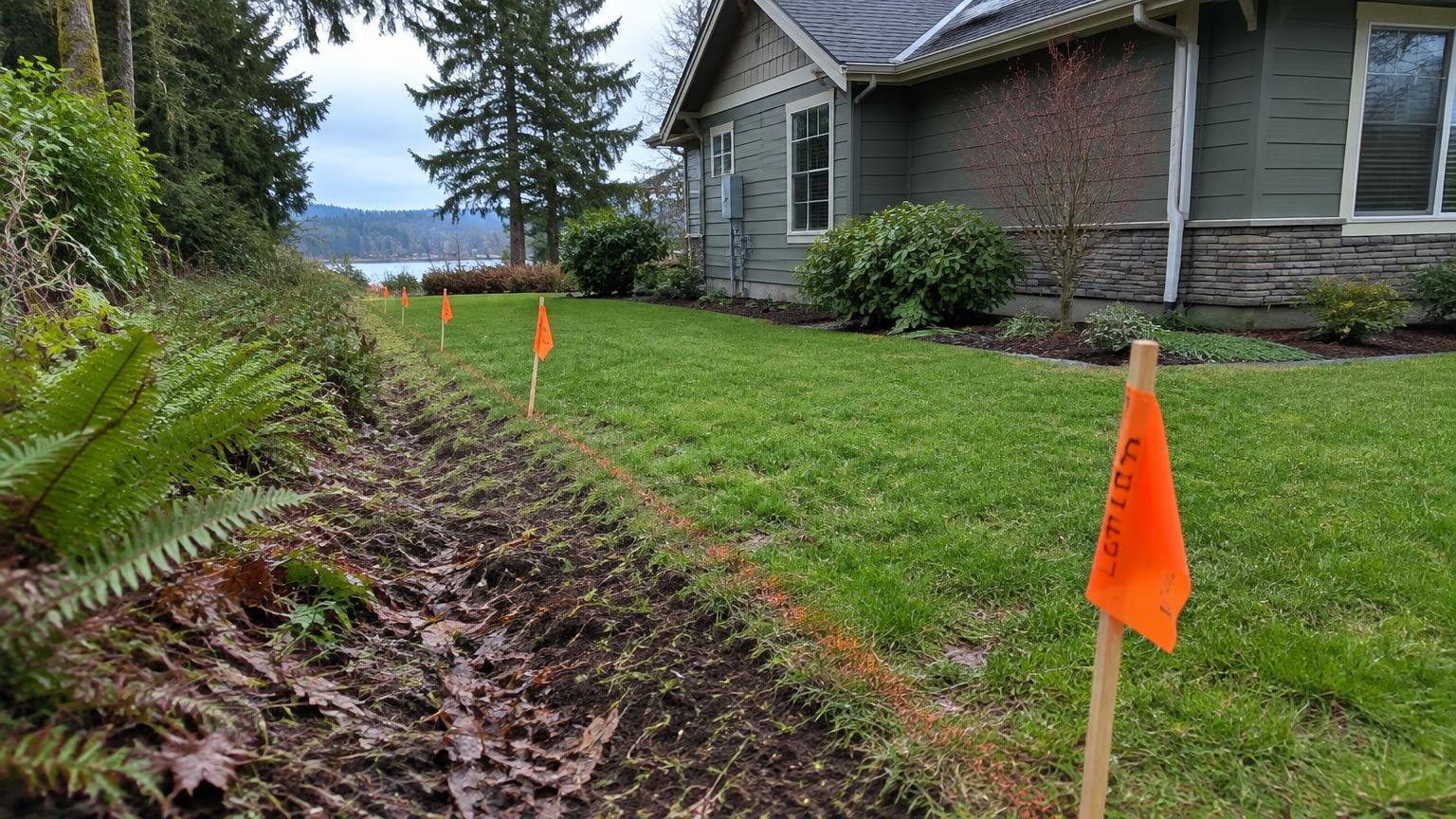
Easements, shared driveways and recorded restrictions: check before you buy.

Buyer strategy
Competing with all-cash offers as a financed buyer on the Eastside.
Want a presentation plan for your home?
We will walk your rooms, tell you what to fix, what to stage and what to leave alone, and show you the photo set we would publish.
Book a consultation